Running an Internal Bug Bounty with SevHunt
I recently launched SevHunt, an Internal Bug Bounty platform, and wanted to talk a bit about how you can use it to incentivize your employees to find and report security bugs to your team.
Note: Looking for a “Jump to recipe” button? It’s free to sign up at https://sevhunt.com - please try it out and let me know what you think!
If you’re in the security space you may have heard about bug bounty programs, which allow security researchers to report bugs to your company in exchange for cash rewards. Bug bounties are a great source for discovering vulnerabilities, but typically only cover your external attack surface (and in many cases, just your domains).
It makes sense to harden your edge, but a lot of compromises start internally. Shared accounts, weak credentials, overprovisioned access, and even that back door that doesn’t really lock but everyone just kind of ignores. There’s a lot that external programs can’t catch, which is where Internal Bug Bounties can really shine: they give employees a place and reason to report problems to your security team.
I wanted to start a program myself, but found surprisingly little information on how to best triage internal reports and incentivize my coworkers. I ended up “winging it” a bit with a custom web site, Linear template, and virtual swag store, but it still felt unprofessional. There are plenty of paths to running an external bug bounty program, why isn’t there a way to run an internal one?
So I made SevHunt, an Internal Bug Bounty platform that makes it easy to run a successful program. I’ll take you through what it looks like to use it, both because I want more users and am proud of how it turned out. You can follow along at https://sevhunt.com, but no pressure.
1. Create an organization
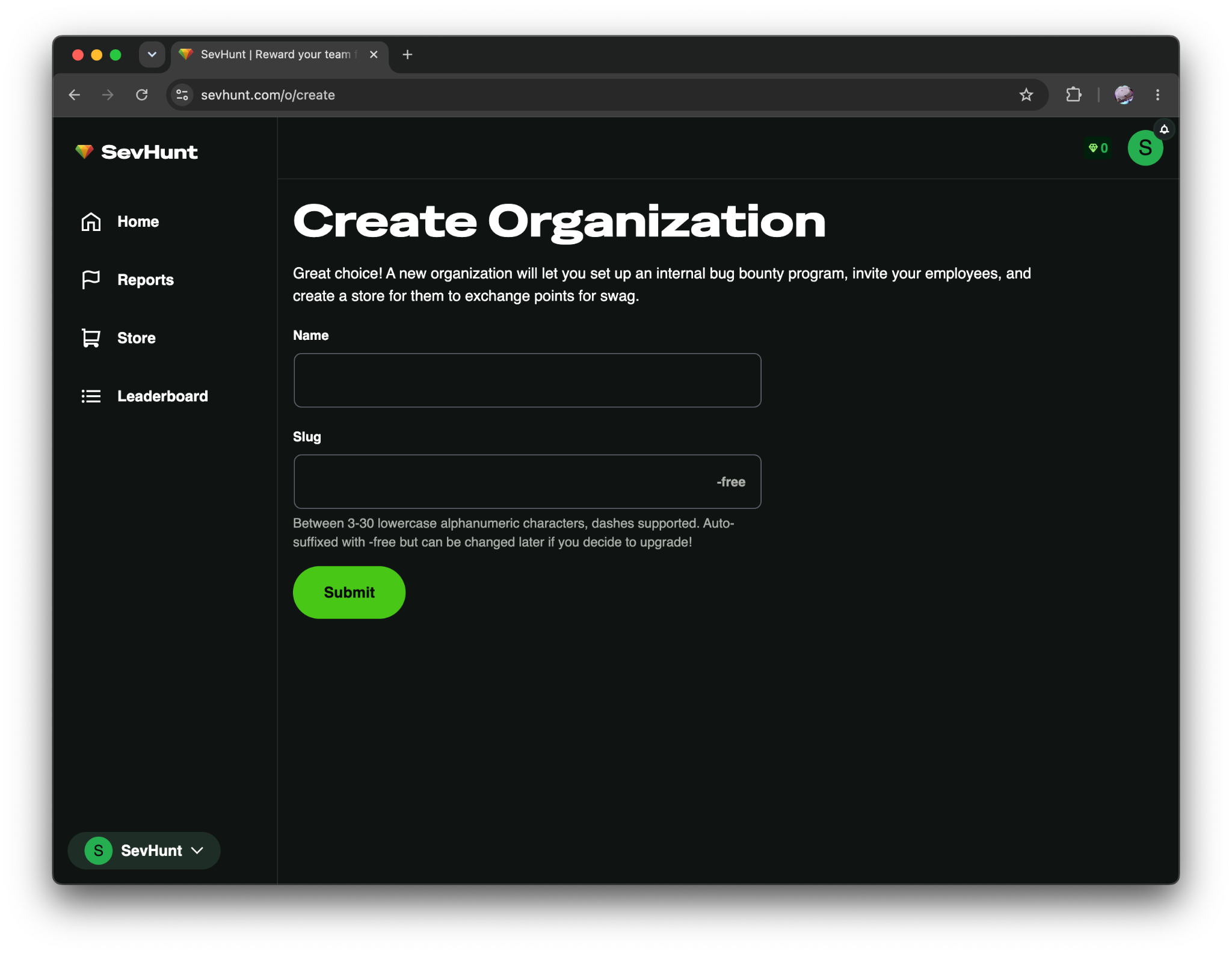
First, choose a name and unique slug for your organization. You can always change these later!
2. Add a product to your rewards store
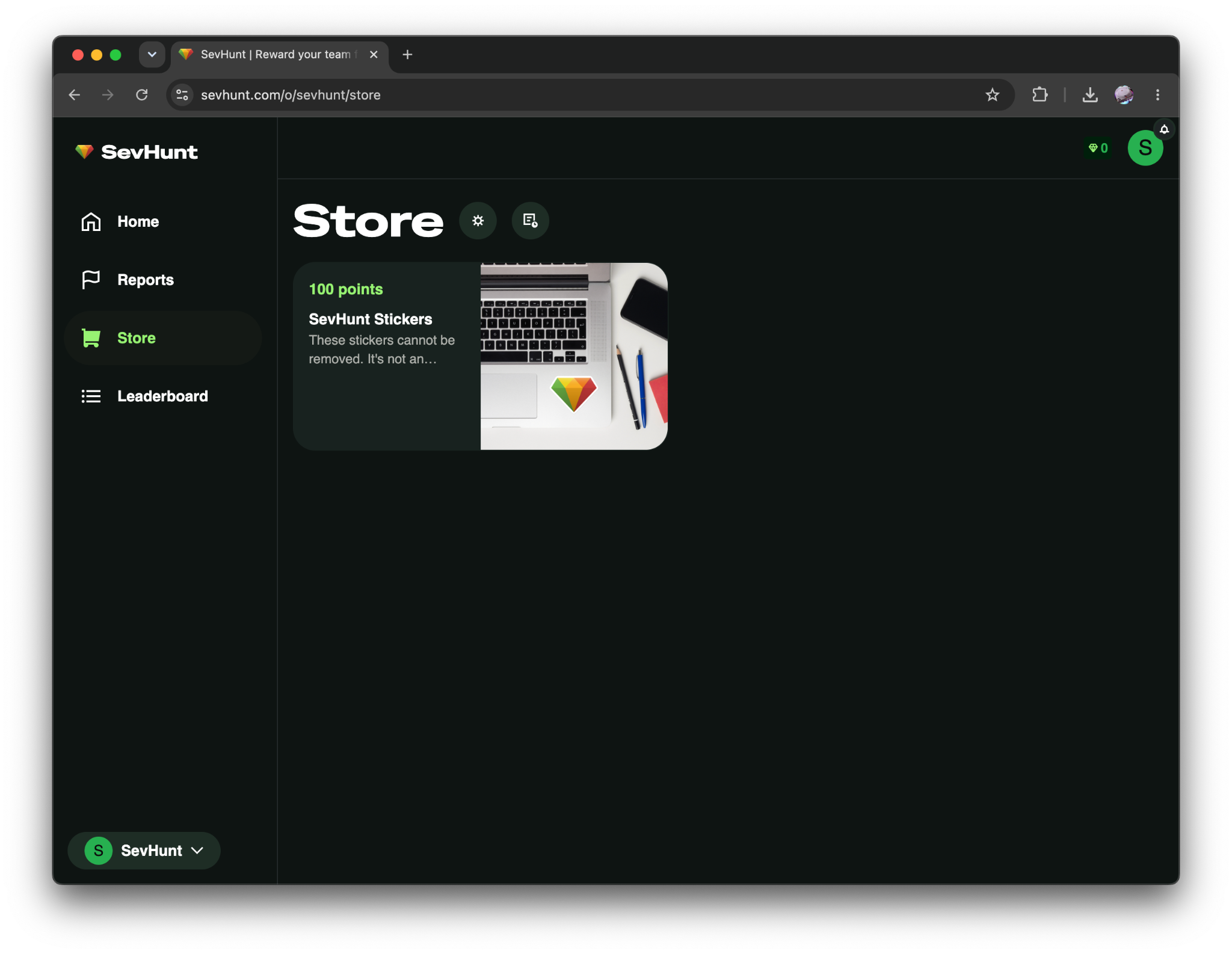
Next, visit the Store tab and add a new product. With SevHunt your employees are rewarded for reporting bugs with virtual points that can be spent in your store.
What those products are is ultimately up to you - if you want to provide swag with exclusive designs we have a Printful integration built in, but you could just as easily offer experiences or more traditional bonuses (ex: fancy home office finds, gift cards, run social media for a day, etc.)
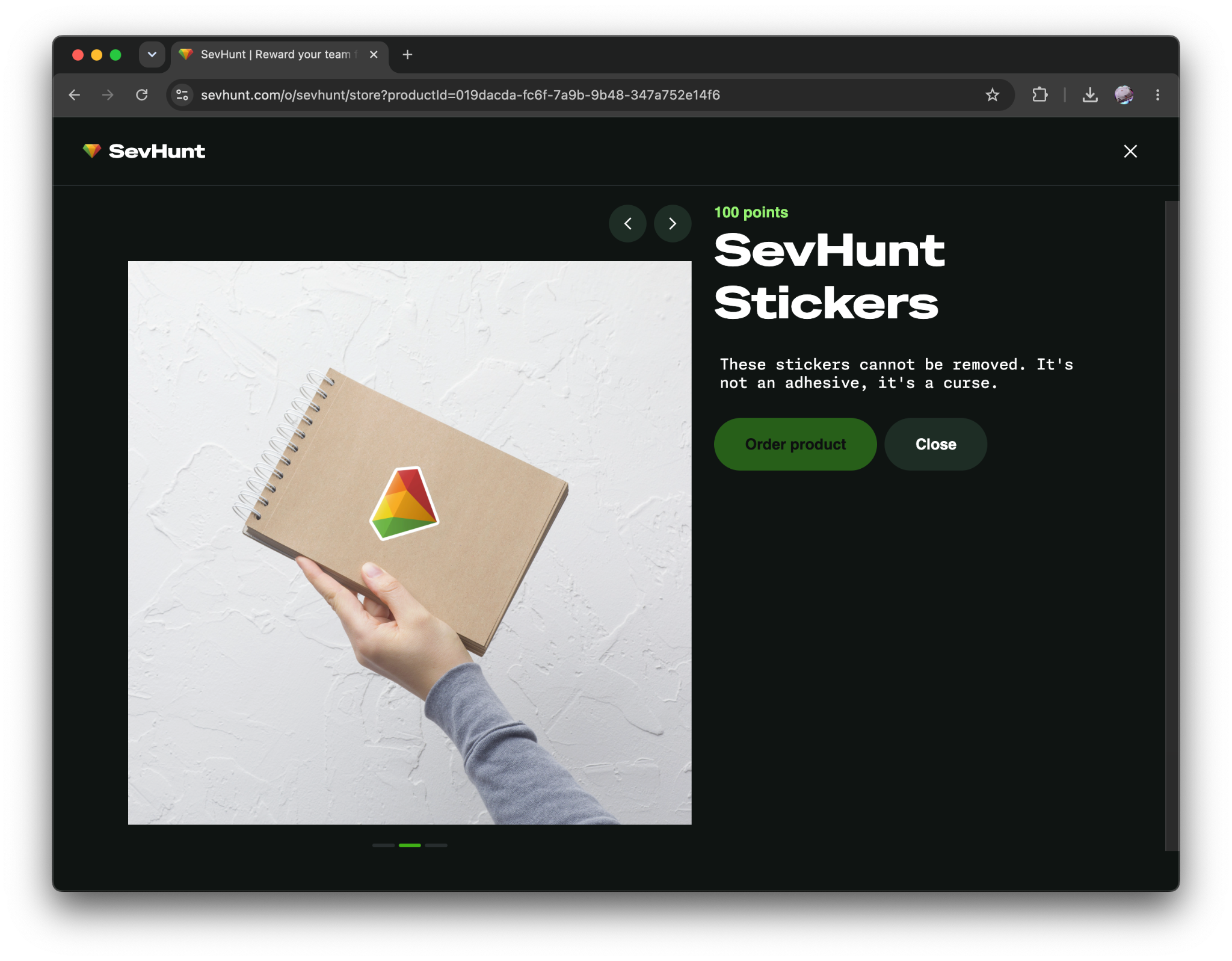
Once finished, your products will become available for purchase by users with enough points. Once purchased, orders can be fulfilled manually by your team or automatically if you use an integration.
3. Invite your team
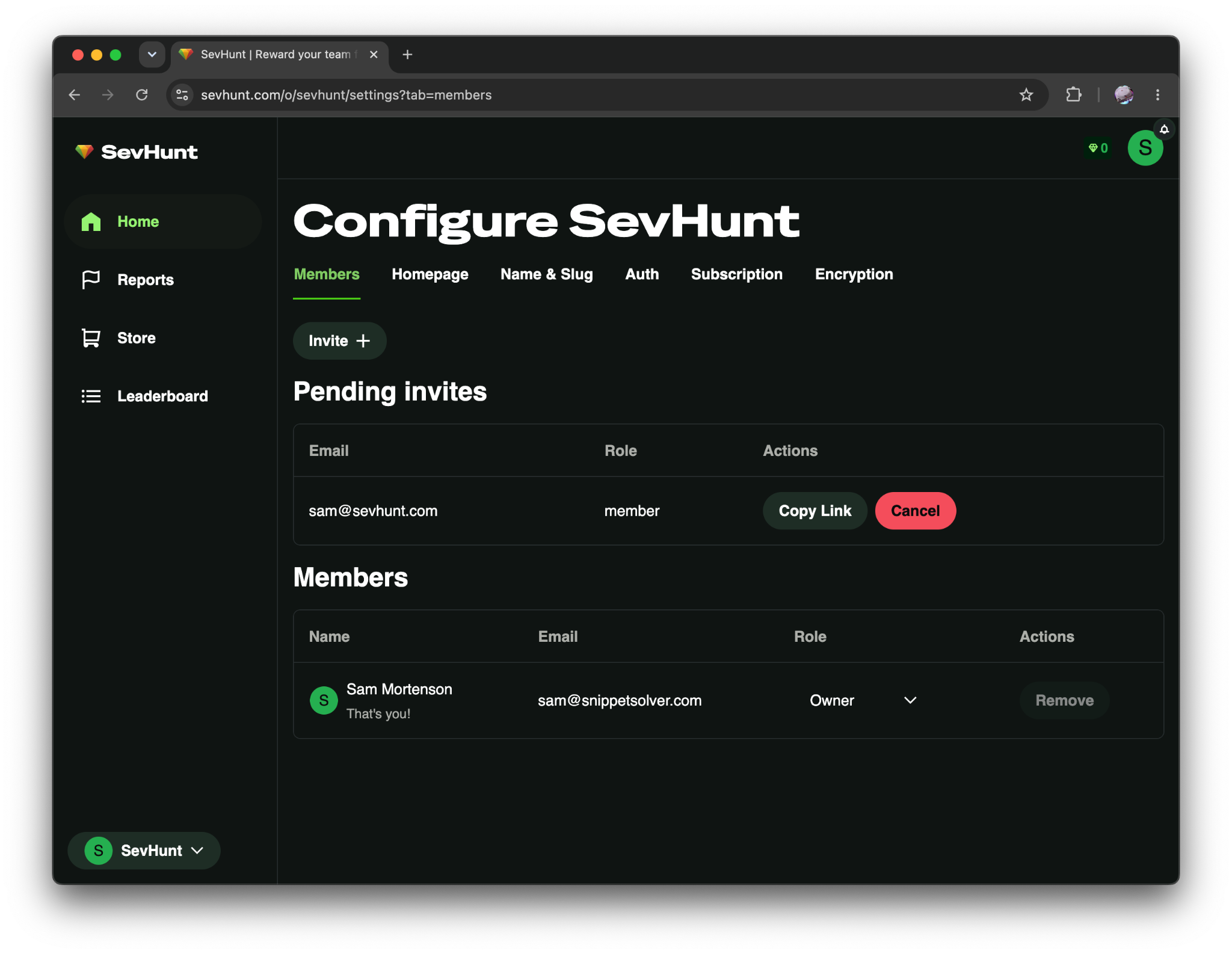
With SevHunt everyone is eligible to hunt for bugs, whether they’re in Engineering or Maintenance. You can invite users individually, or head to the “Auth” tab to automatically allow users with a given email domain to join.
4. Get users reporting issues
Your coworkers aren’t going to visit SevHunt naturally - you’ll need to bring up the program in chat, company meetings, and internal newsletters to drive reports. It’s a bit awkward doing marketing as a Security Engineer, but the quality of your rewards should do most of the work for you.
Users draft and submit reports in SevHunt, which looks like this:
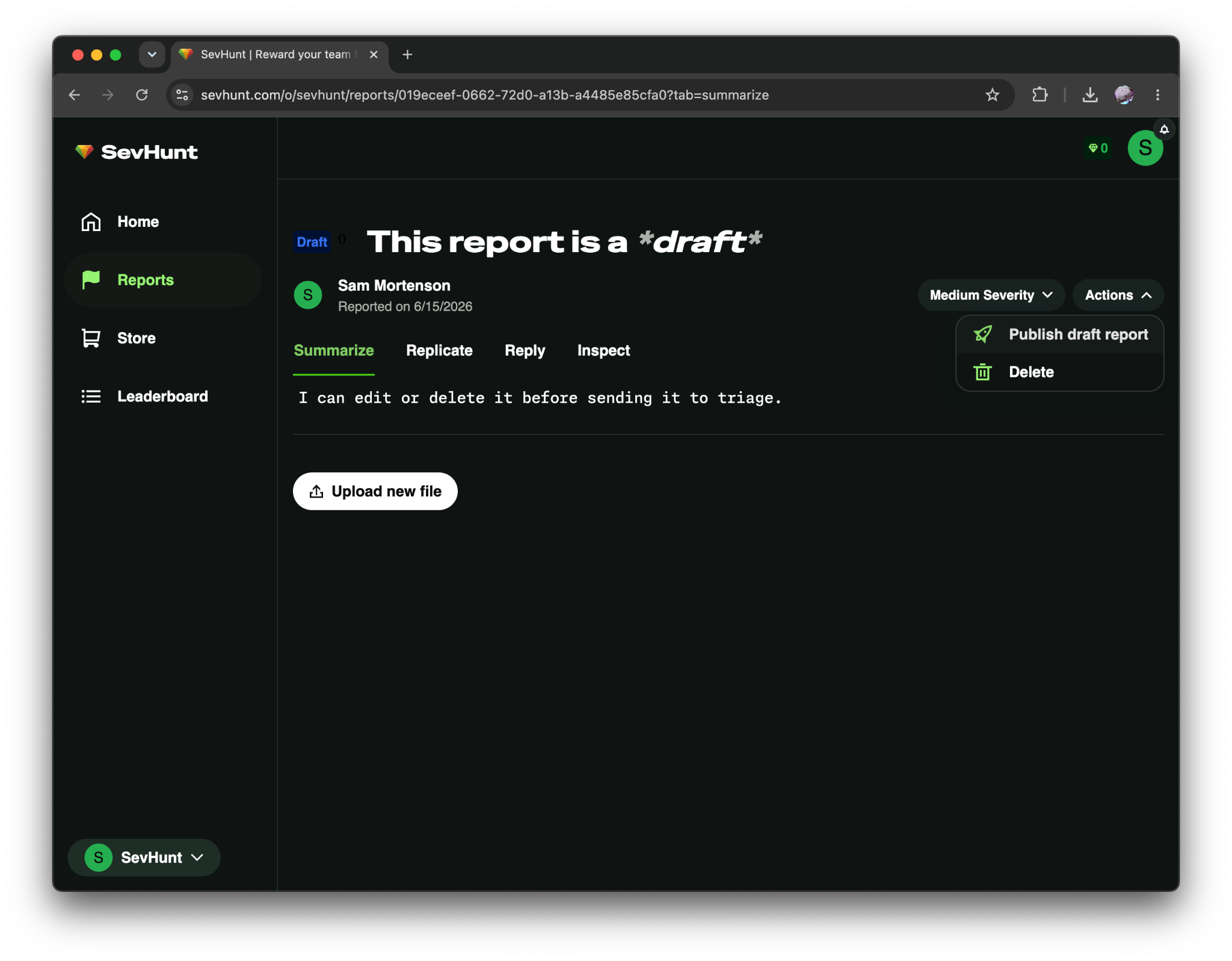
Unlike a normal issue tracker, SevHunt reports are non-linear (no pun intended): tabs separate the report’s summary and replication steps from comms. From working on an external program, I found that one of the worst parts of triage is reading through the comment history, so I wanted to try something new here.
SevHunt reports are also collaborative - triagers are reporters can make edits in tandem without conflict. While I imagine my first feature request is going to be "Export to my issue tracker", my goal is to make SevHunt's report flow significantly nicer than Linear or Jira (big shoes to fill, I know).
Another unique feature of SevHunt is that report data is client side encrypted - I’m asking users to store their vulnerabilities with me, and I don’t want to ever have access to that information. I’ll probably write a whole blog on this but basically all users have a public and private key pair, and encrypt reports using your organization’s public key. Your triage team has access to the organization-level private key and can read all reports, but other members of your organization can only access reports they’ve made.
I’m honestly not sure why more vendors don’t offer this - there are trade offs of course, namely that my users could permanently lose access to all data if they lose their keys, but I’m not sure I could operate SevHunt ethically without some level of protection between my data and a breach (on my side or the user’s).
5. Triage and award reports
Once a report is created, your security team can take it through the triage process. If accepted, you can reward the report with points:
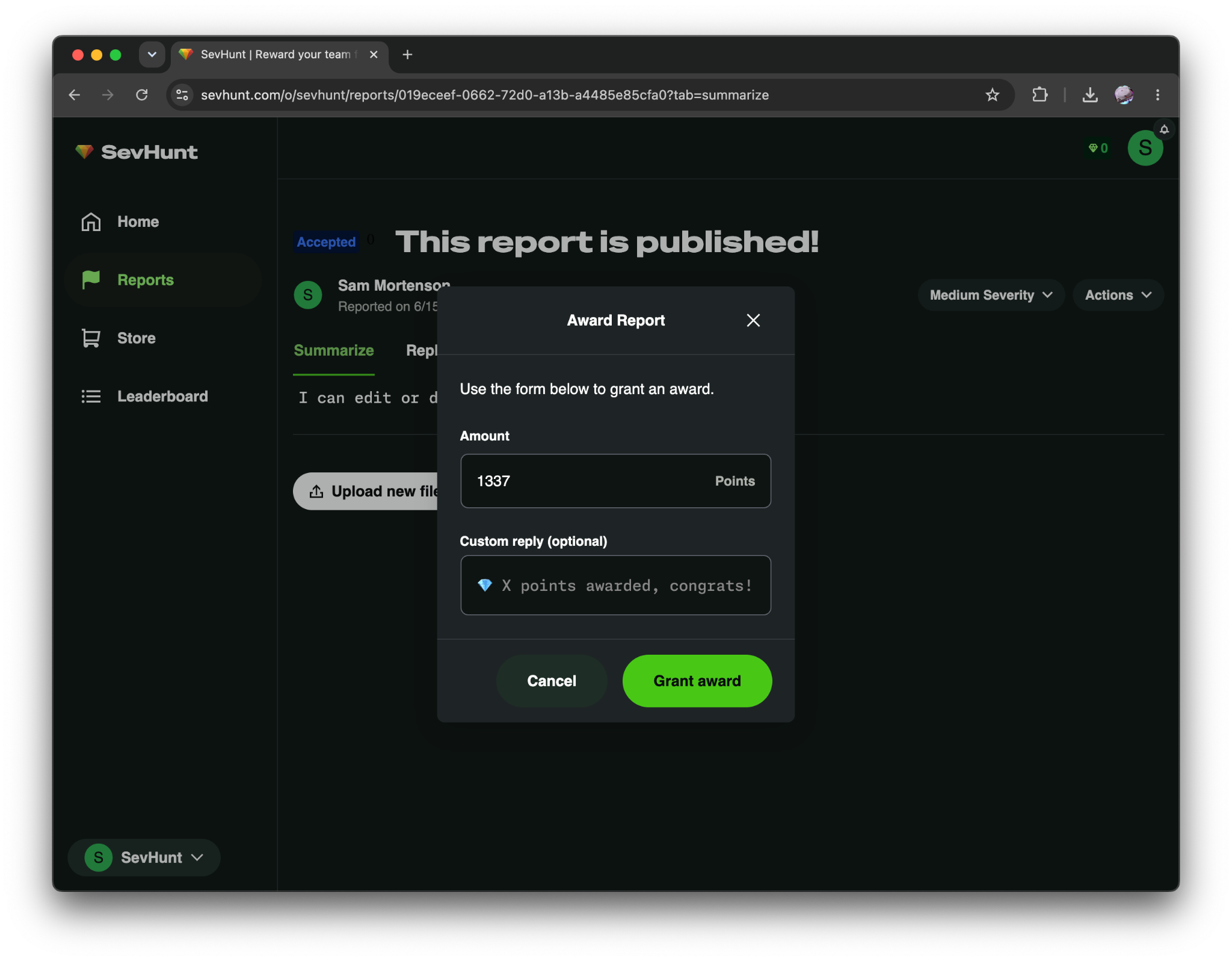
Points can be spent in the Store, but can also appear in a Leaderboard of all-time-scoring employees:
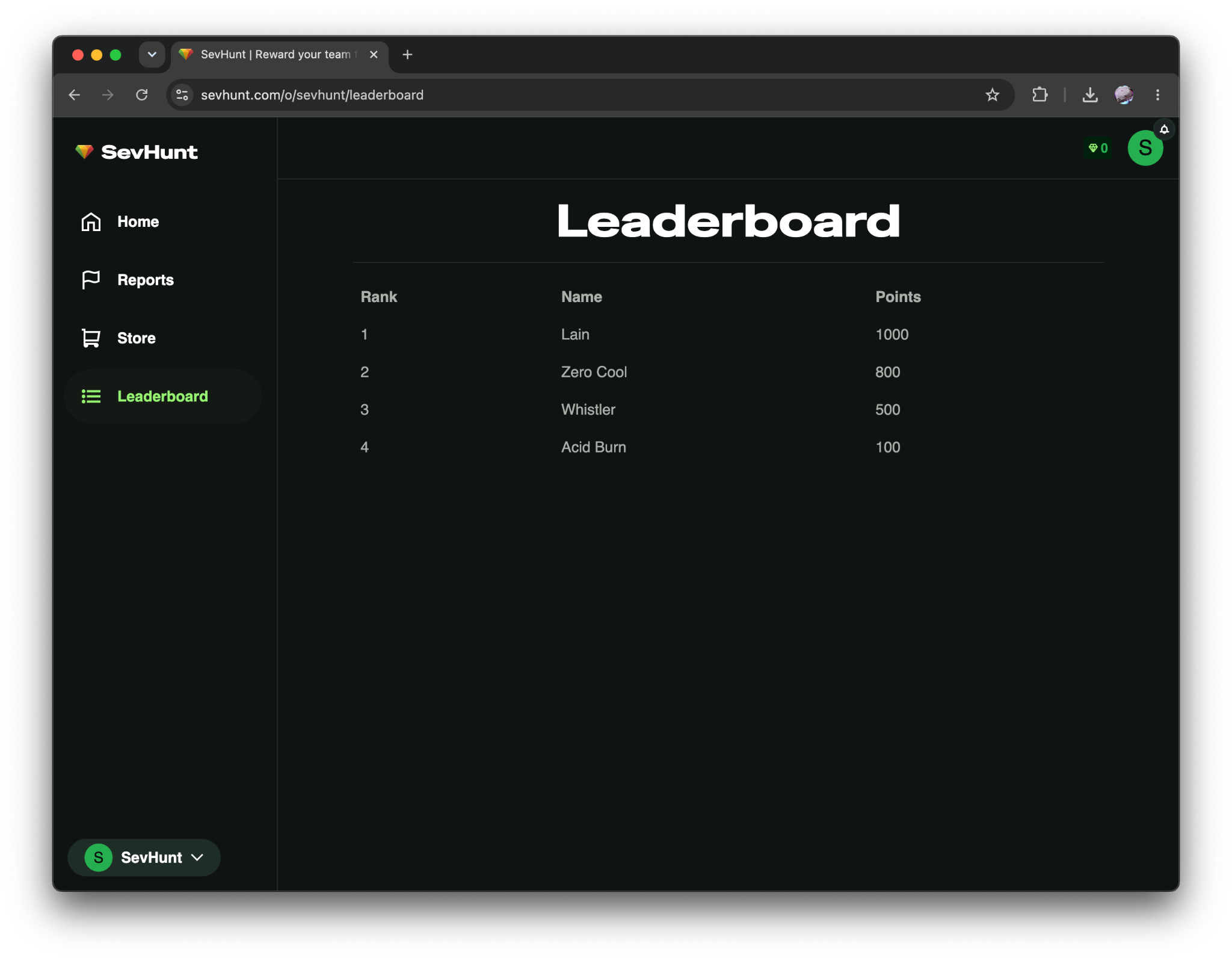
It’s surprising how much gamification can incentivize employees - competition is a great driver and its own reward. I plan on adding more features in this space as time goes on, so if you have any ideas let me know!
Now to actually run a program…
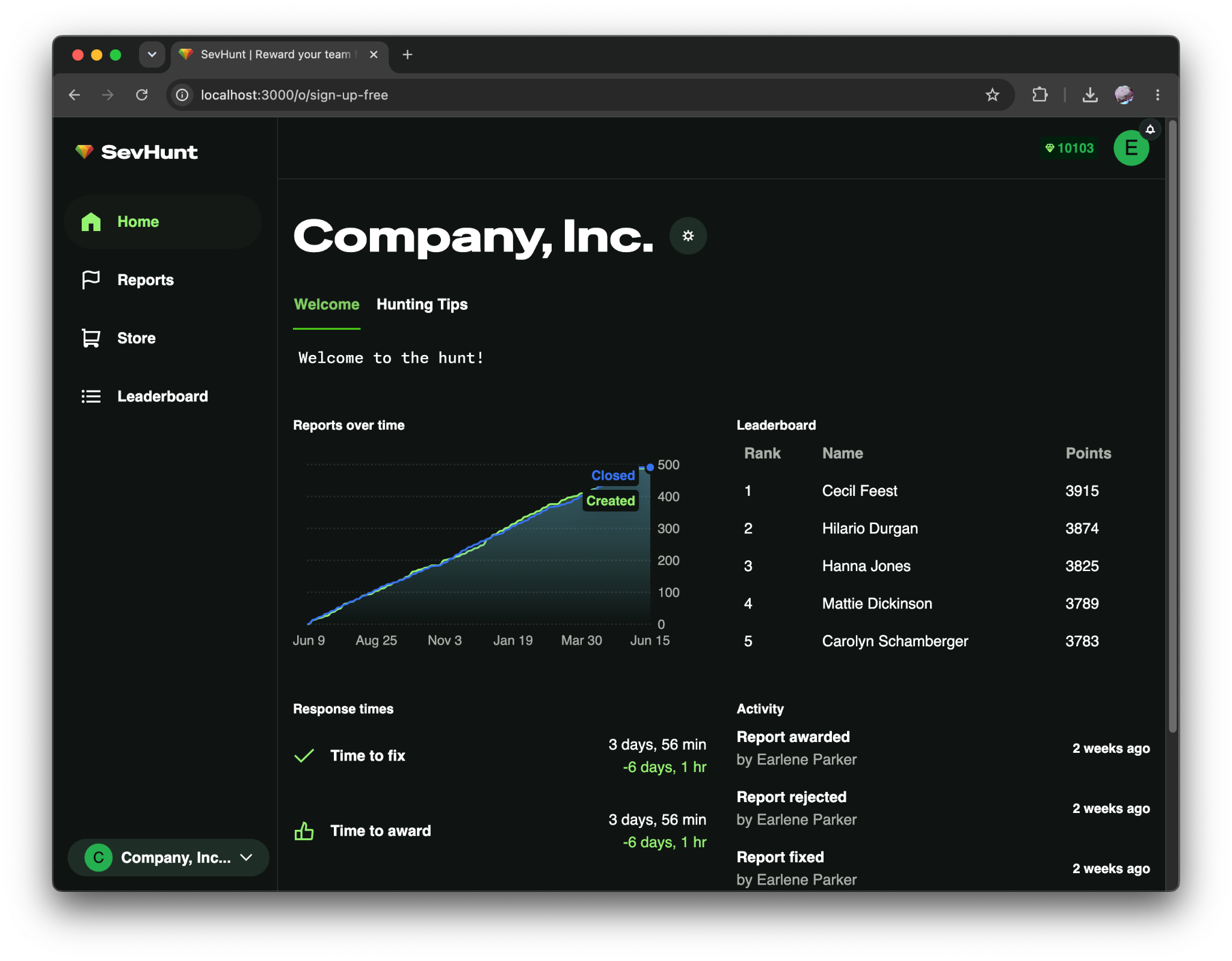
I’m happy with SevHunt, and have a lot of planned work on it in the future. The prospect of helping people find real problems while fostering a strong security culture is super exciting to me, and fits in nicely with why I do cybersecurity in the first place.
However, a product doesn’t exist in a vacuum! I’d love for you to try it out and let me know what you think. It’s free to sign up and, in my opinion, fairly priced for small and large organizations alike (if I’m not your cheapest security vendor, I’d be surprised). If you have any questions, please reach out to me here or on LinkedIn.
Thanks for reading and happy hunting!
Here are some links to learn more:
- SevHunt Home - https://sevhunt.com
- tl;dr on this blog - https://sevhunt.com/docs/what-is-sevhunt
- More free tips for running a program - https://sevhunt.com/docs/running-internal-bug-bounty